- calendar_today August 22, 2025
Big promises are frequently made when selling artificial intelligence. New helpers. Colleagues who work virtually. Endless output. However, Microsoft’s most significant AI efforts may be taking place in unexpected places—within the apps you use on a daily basis.
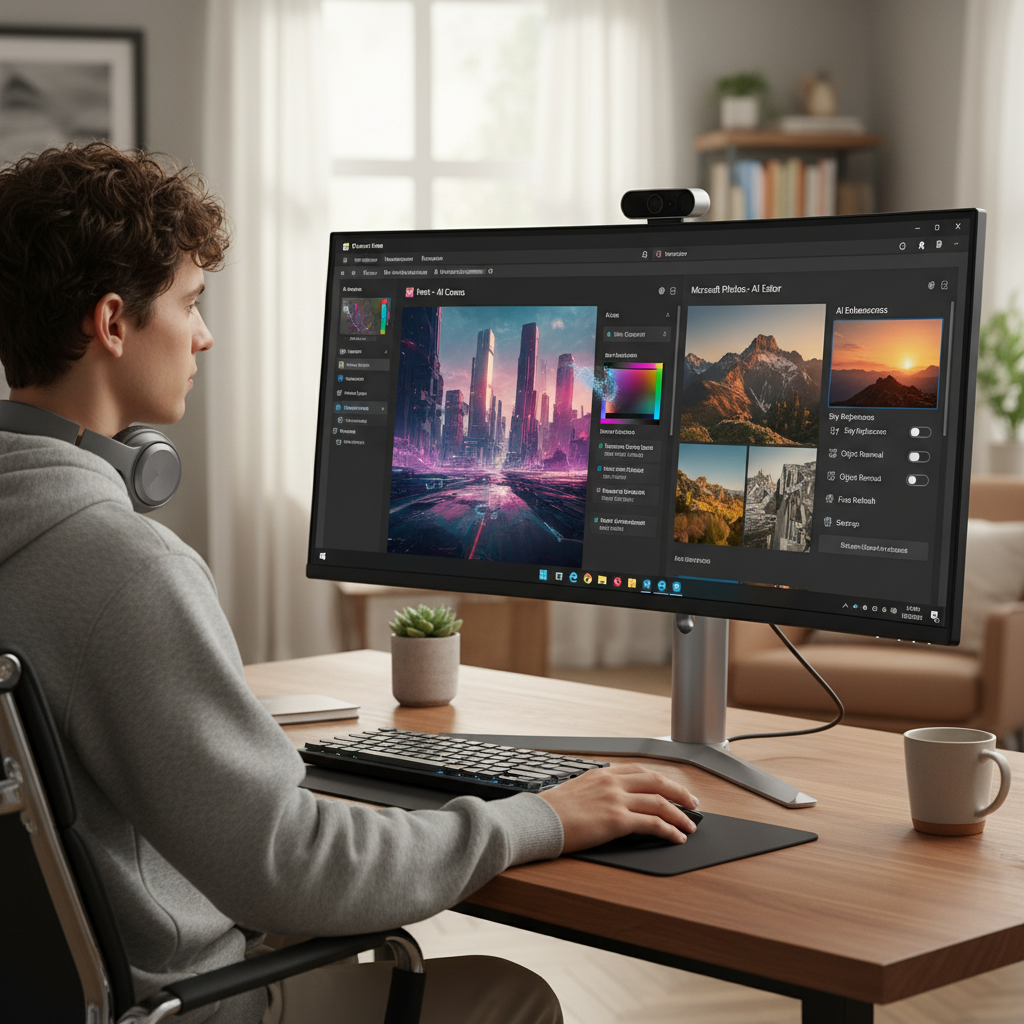
Classic programs like Paint, Photos, and Snipping Tool are getting minor updates for Windows 11. These aren’t complete redesigns. They don’t have floating AI avatars or voice commands. These are merely clever additions that simplify your daily chores.
New Powers, Old Tools
Use the Snipping Tool first. For taking screenshots, it has always been useful. It’s currently learning to interpret what it sees, though. Soon, you’ll be able to highlight and copy text straight from an image or screen grab thanks to tests of optical character recognition (OCR). It transforms static images into editable content, and it has the potential to significantly improve note-taking and error-documenting.
Consider how frequently you’ve found yourself retyping everything into a document while gazing at a screenshot of a quote, diagram, or error code. Those days are over with OCR.
Microsoft is incorporating object and subject recognition into the Photos app. The concept is straightforward: with a few clicks, the app will be able to recognize objects or people in your photos and allow you to select or remove them. Do you want to eliminate a cluttered background? Is it possible to highlight just your cat in a photo? Soon, it will be possible without costly software or sophisticated editing abilities.
Then there’s Paint, a program that most of us haven’t used much in years. It now has an AI generator that can convert text to images. Paint will create the image you specify, such as “a space station orbiting Earth” or “a mountain village at sunrise.” This AI is probably based on Bing’s Image Creator, which is driven by OpenAI’s DALL·E.
This isn’t about making Paint into Photoshop or replacing artists. Making creativity more accessible is the goal, particularly for those who don’t think of themselves as designers.
More Intelligent Features Driven by Intelligent Chips
New hardware, not just ingenious software, is what enables all of this. Neural Processing Units (NPUs), a kind of chip designed especially for AI tasks, are needed for these AI-powered features. In contrast to conventional processors, NPUs are capable of efficiently and locally handling tasks like object detection and image generation.
This is very important. By executing AI functions locally, speed and privacy are increased because no data needs to be sent to the cloud. These tools allow you to use them at your desk, on a plane, or in a café with spotty Wi-Fi without sending private information to outside servers.
NPUs were primarily restricted to phones or tablets until recently. However, they are now appearing in more commonplace PCs. Leading the way are AMD’s 7040 series and Intel’s Meteor Lake chips, which allow new Windows devices to natively handle workloads powered by AI.
Using these chips, Microsoft has already introduced a few AI features, such as background blur in video calls. The next step, however, is complete integration into apps that people use on a daily basis.
The finest aspect? There is nothing for you to do. No memberships. no learning curve. Paint, Snipping Tool, or Photos will just function better than they did previously when you open them. upgrades that are quiet and considerate of your routine.
Microsoft’s strategy feels grounded in a world full of overly complex solutions. The wow factor isn’t important. Making things simpler without getting in the way is the goal.